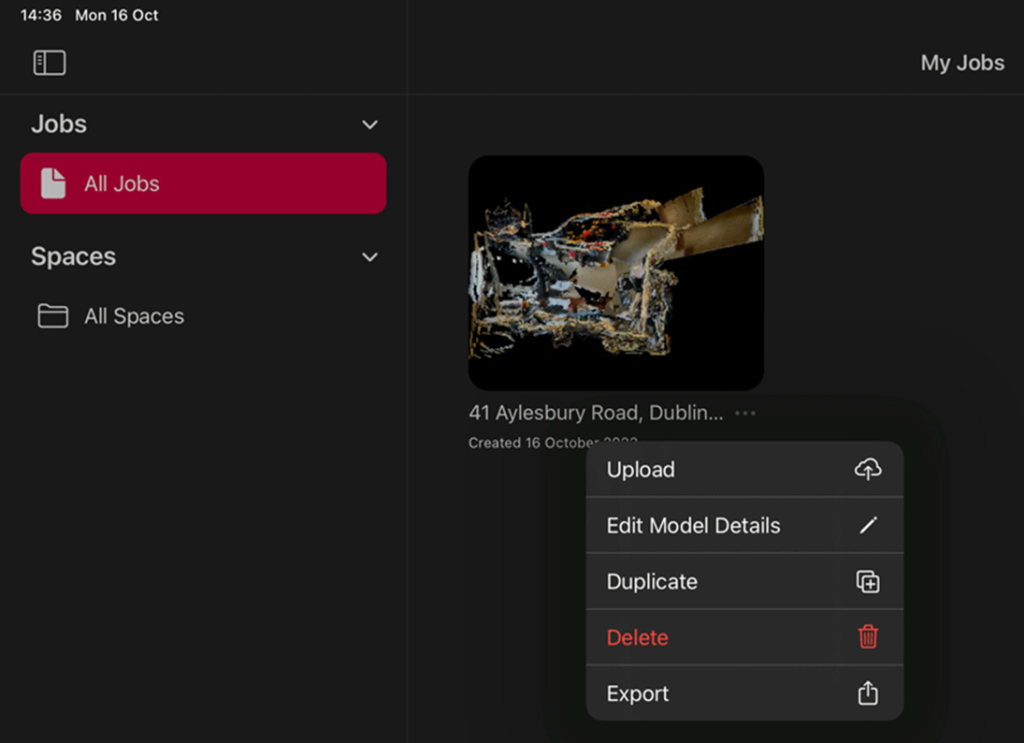
Open the Matterport Capture App on the ‘Donor’ iPad and locate the model in the ‘All Jobs’ section
Click the three dots to the right of the model’s name
Choose ‘Export’
‘Archiving Job’ – progress indicator
‘Save to Files’
Select iCloud Drive – create or choose a folder
Save – top right of the screen
Return to the Job
Click the three dots to the right of the model’s name
Select ‘Delete’