
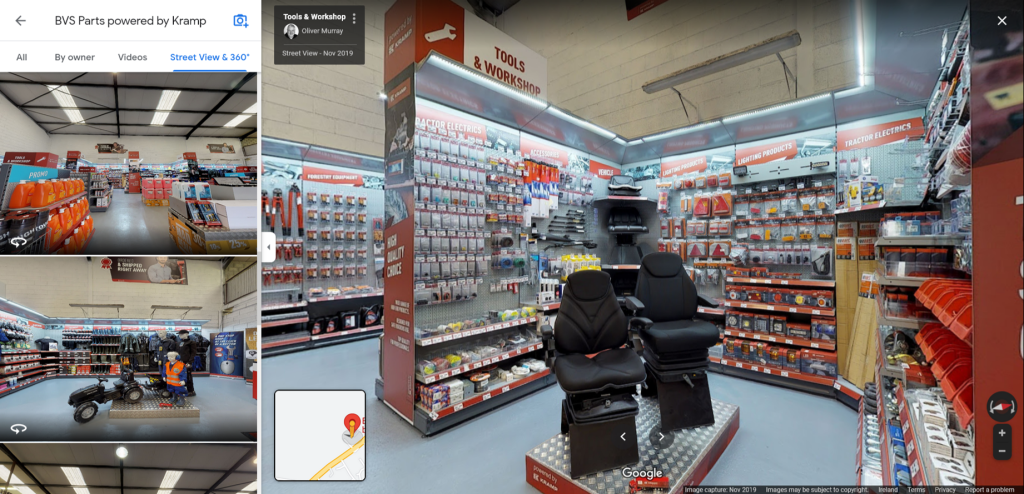
Automated publishing of virtual tour to Google Street View
Special 2D version of the tour
Ideal for marketing purposes
Associated with the Google My Business listing for the company
Available on Google Maps, Google Earth , and Google Street View
Appears in Google Search results
Valuable for SEO
Prior to publishing
Check business has access to their Google My Business listing
Ensure you have access to a Google Account including login details
The name on this account will appear as the attribution
You may publish to another account, add as collaborator
Check for duplicate Business listings, choose correct one
Ensure that the business is correctly located geographically
Ideally get a Google Trusted Verifier to correct any errors
Prepare the tour
Make space ‘Public’
Ensure that Runway Navigation has been created
Note: only required at the moment of creation of tour
Publishing the tour
Link the space to the Business Listing on Google
Link to a Google Account
Choose to publish Highlight Reel
Why Publish using the Highlight Reel?
There are three options
Using the Highlight Reel means that Google uses all the published scan points to create the tour, but only shows the Highlight Reel panoramas in the image pane
This way the tours ‘Greatest Hits’ appear on Google