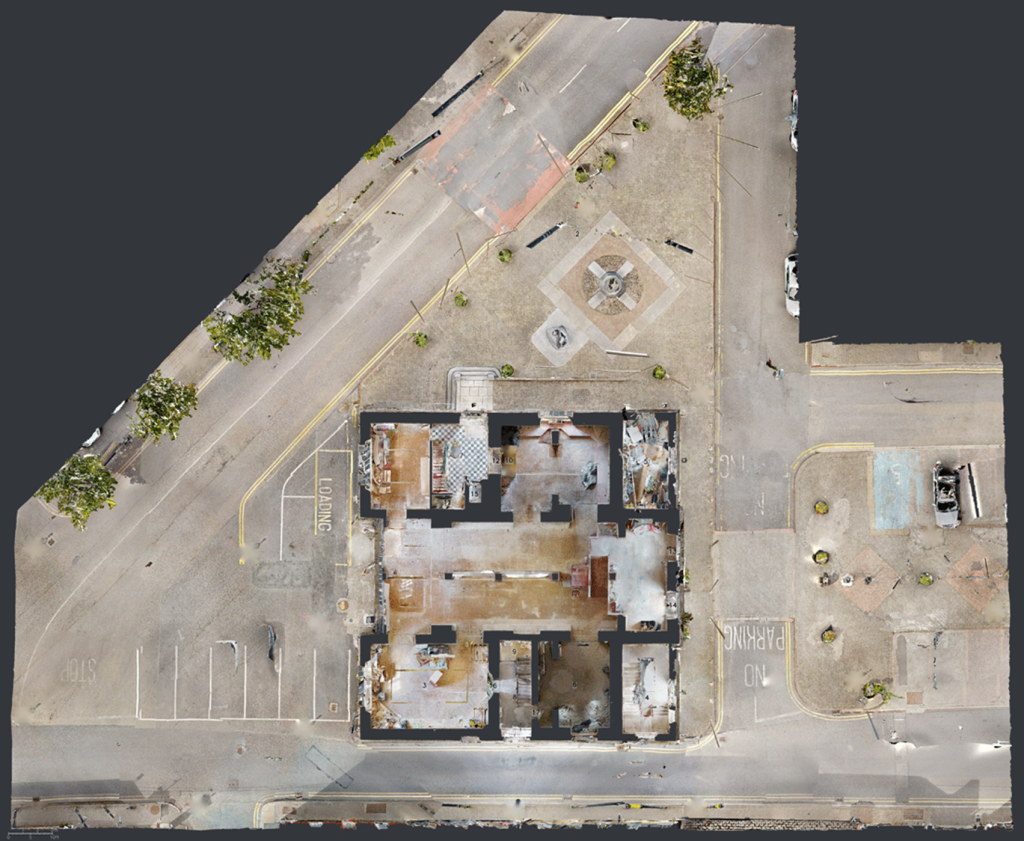
Many Matterport users discover trims only after they encounter slow processing, messy Dollhouse Views or unexpected point cloud results
The 2D Trim Tool in Capture for iPad helps define what should and should not remain inside your final model.
Used properly, trims can:
- Reduce unnecessary captured geometry
- Improve Dollhouse presentation
- Speed up processing
- Create cleaner outputs
One area that often surprises users is the effect trims can have on exported files.
For E57 exports, trim and window markings do not alter the point cloud.
However, for MatterPak (.XYZ) exports, points behind windows, mirrors and trim areas are removed and are not replaced.
This means that scenery visible through glazing may disappear entirely from the exported point cloud.
Understanding these differences becomes increasingly important when models are intended for:
- Architecture
- Surveying
- BIM workflows
- Facilities Management
- Digital Twins
Our certified CaptureTrain courses cover these workflows in depth using real-world capture exercises and postproduction examples.
Course attendees receive time-limited access to the CaptureTrain Manual for continued learning after training.