Description
NEW FOR 2026 — Matterport Training Course
Lantra-Certified | CPD-Certified | Two Days | In-Person Delivery
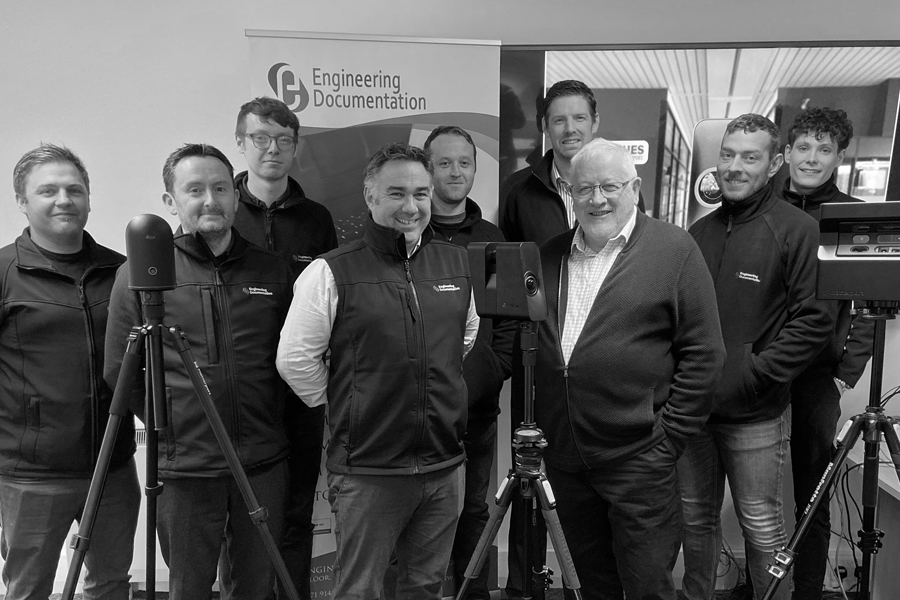
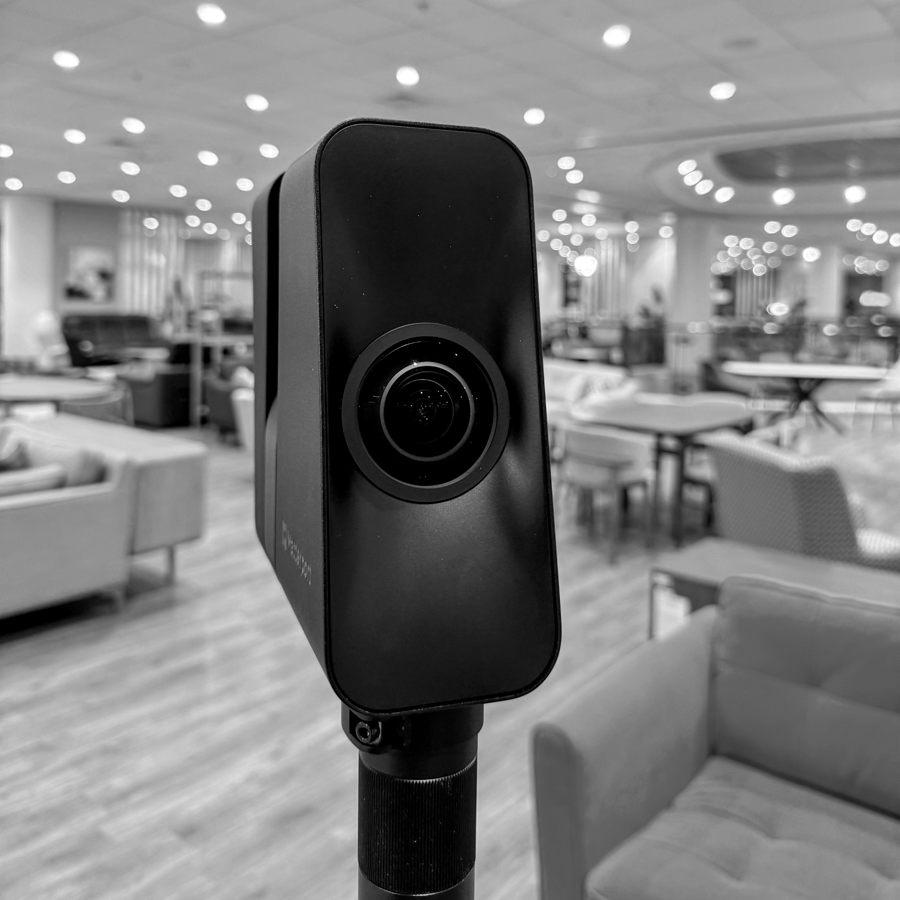
This four-day, Lantra-certified and CPD-certified training course provides a comprehensive introduction to the Matterport ecosystem. It covers the platform’s capabilities, compatible add-ons, workflow options, and recommended third-party software, giving participants the skills needed to capture high-quality models and deliver professional-standard virtual tours.
The programme is designed for all professionals who use, or intend to use, the Matterport system, including:
- Architects, architectural technologists and design professionals
- Civil, structural, mechanical and electrical engineers
- Building surveyors
- Facilities managers, estates teams and operations directors
- Interior designers, decorators and space planners
- Main contractors, subcontractors and specialist trades (electrical, plumbing, joinery, etc.)
- Quantity surveyors and cost consultants
- Project and programme managers in construction
- Property management companies and building operators
- Estate agents, lettings negotiators and property marketers
- Property investment and development professionals
- Landlords and rental-housing providers
- Commercial and residential mortgage advisers
- Insurance assessors and loss adjusters
- Fire-safety consultants and evacuation-plan specialists
- Concierge teams and building-services commissionaires
- BER assessors and sustainability consultants
- Health & safety advisers and CDM coordinators
- Marketing professionals, brand managers and digital-content creators
- Fine-art auctioneers, gallery curators and heritage-site managers
- Museums, cultural-heritage and conservation specialists
- Hospitality, hotel and leisure-sector operators
- Retail planners, merchandisers and category managers
- Exhibition and events planners
- Commercial and editorial photographers and filmmakers
- VR and AR content producers
- University estates teams and academic researchers
- Space-utilisation and facilities-planning analysts
- Telecoms and network-infrastructure installers
- Wayfinding, signage and environmental-graphics designers
Course Delivery
This is a blended programme delivered both in-person and online:
- Days 1 & 2 (In-Person): Delivered at our training centre or at a suitable location provided by the client.
- Days 3 & 4 (Post-Production Training): Delivered online as standard, with optional in-person delivery where facilities allow.
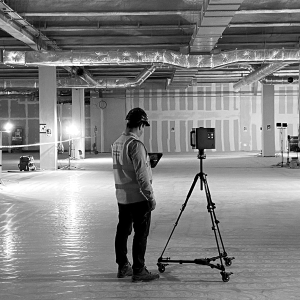
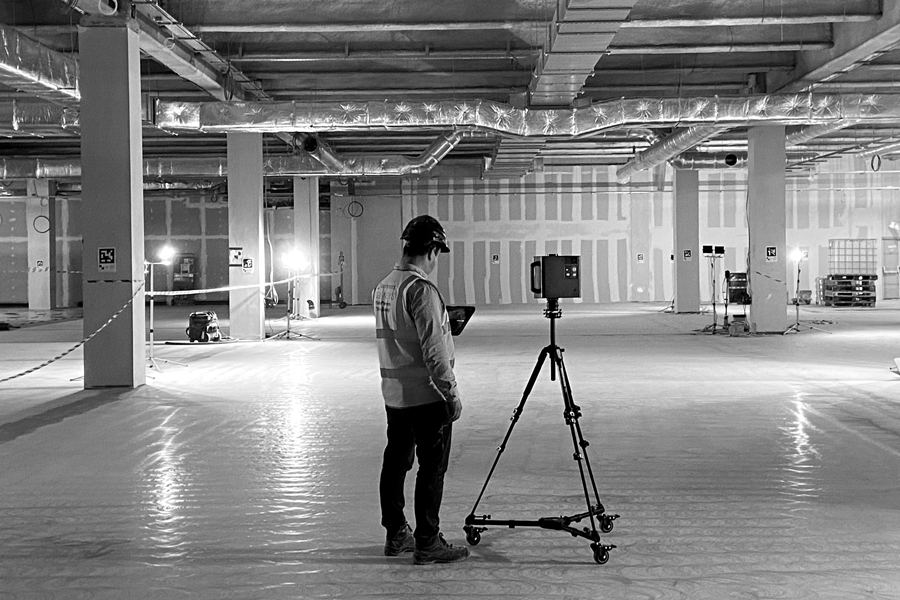
Participants will capture a building during the course.
The resulting virtual tour will be uploaded and used throughout the post-production modules.
Lunch, mid-morning and mid-afternoon breaks are provided.
Learning Outcomes
By the end of the course, participants will:
- Understand the Matterport system in detail
- Correctly set up and deploy the equipment
- Capture high-quality models in a range of environments
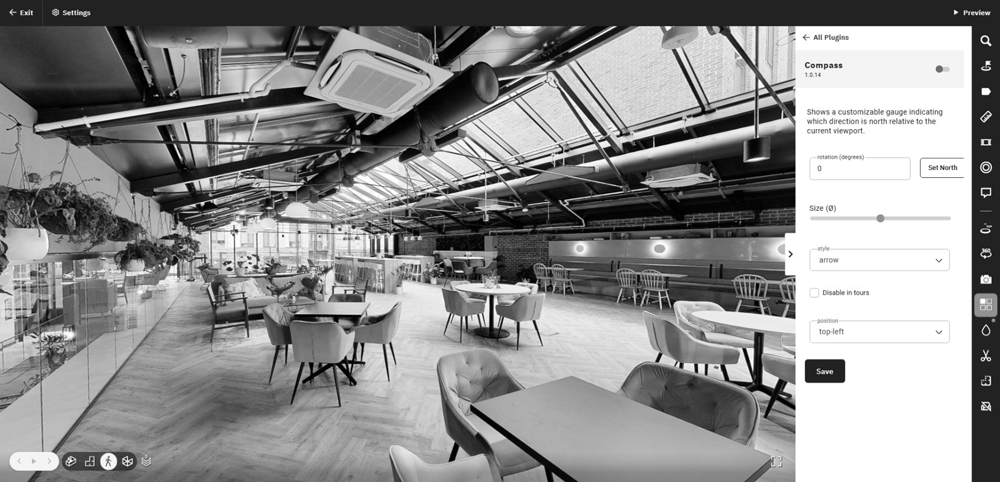
- Apply advanced post-production techniques using Workshop
- Create HDR photography and photospheres
- Identify required downloads, assets and add-ons
- Share and embed different variations of a 3D virtual tour (including Google publishing)
- Understand the role of third-party software and how it integrates with Matterport
Course Notes & Requirements
PPE & Safe Pass (Day 2, On-Site Capture)
Where a site requires specific PPE or a valid Safe Pass, it is the trainee’s responsibility to comply.
Additional induction time may be required at the beginning of Day 2.
Clients/trainees must notify MatterTrain of any such requirements in advance.
Cancellations
If unforeseen circumstances prevent attendance by trainers or trainees, sessions will be rescheduled at the earliest mutually agreeable date.
Please refer to our full terms and conditions.
Course Notes
From 2026, notes will be provided digitally, ensuring regular updates as the Matterport platform evolves.
Features include:
- Complete course notes
- A troubleshooting section
- A detailed FAQ
- One year of online access (extensions available)
Support
Ongoing support for Matterport equipment, software and workflow is available on request.
COURSE CONTENT
Day 1 — Introduction to Matterport
Evolution & Technology Overview
- Google Business View
- Launch and development of Matterport
- Core technology
- Cortex AI cloud processing
- Publishing the 3D virtual tour
- Overview of add-ons and downloadable assets
Capture: Basics
- Optimal camera and equipment setup
- Pairing the camera with an iPad
- Configuring the Matterport Capture App
- Registering a job
- Managing battery life
- MatterLevel explained
- Levelling the camera
- Scanning methodology
- Planning a capture
- Managing doors and wedges
- Adding floors and naming conventions
- Marking windows and mirrors during capture
- Using the 2D trim tool
- Differences between 3D scanning and 360 capture
Capture: Expanded
- Optimising the walkthrough
- High-density scanning
- High-level scanning
- Large-scale scanning strategies
- Identifying and resolving potential issues
- Correcting mistakes
- Adding illumination
- GPS
- Assisted alignment
- Reference measurements
Capture: Administration
- Uploading the job
- Transferring models between iPads
Features, Assets and Add-Ons
Free:
- Measurement tool
- HDR still photography
- 360 views
- Google Street View publishing
- Website embedding tools
Paid:
- Schematic (B&W and Colour) 2D Floor Plans
- MatterPak
- E57 files
- CAD files
- Matterport BIM
External Software:
- Simlab Stages
- Simlab Sim-On
- Combining drone data with Matterport
End of Day 1: Debrief & Q&A
Day 2 — Practical Capture Session
- Review and Q&A from Day 1
- On-site induction and sign-in (if required)
- Risk assessment (if required)
Practical Capture Workflow
- Communicating with site stakeholders
- Walking the site
- Switching on lighting
- Wedge/prop open doors
- Identify and resolve obstacles
- Plan the capture
- Set up equipment
- Create a new job
- Begin capture
Completion Tasks
- Walk site to close all doors
- Retrieve wedges
- Restore the site to original condition
- Pack away all equipment
- Sign out (where required)
- Return to base
- Check all trims
- Connect to site Wi-Fi if high-speed
- Upload the job for Cortex AI processing
End of Day 2: Debrief & Q&A
Day 3 — Final Assessment
- Addressing any outstanding issues
- Completion of final assessment
- Lantra and CPD certificates ordered
- Results emailed to all trainees