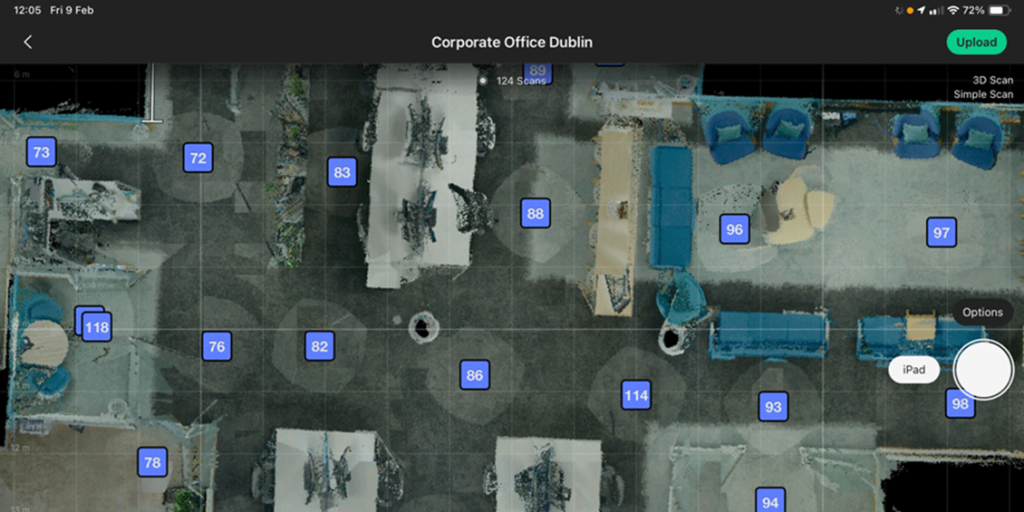
Switch off the camera and disconnect from the iPad.
On iPad
Review the models’ Windows, Mirrors, and Trims as they may shift position as the model grows.
iPad Settings
Login to office/home Wi-Fi
Floors
Choose whether to allow Cortex AI to detect the floors or keep floors as you have scanned them.
Blurring
Choose the blur tool if you want Matterport to blur faces.
Hit the Upload button top right in the model or use Upload in the three-dot navigation on the Jobs interface.
Once the processing is complete an email with a link will be sent to the address registered as the account holder.
The completed model will also be available under All Spaces in the Matterport Capture App.
To access Workshop to edit the model go to mymatterport.com and log in using the account credentials.