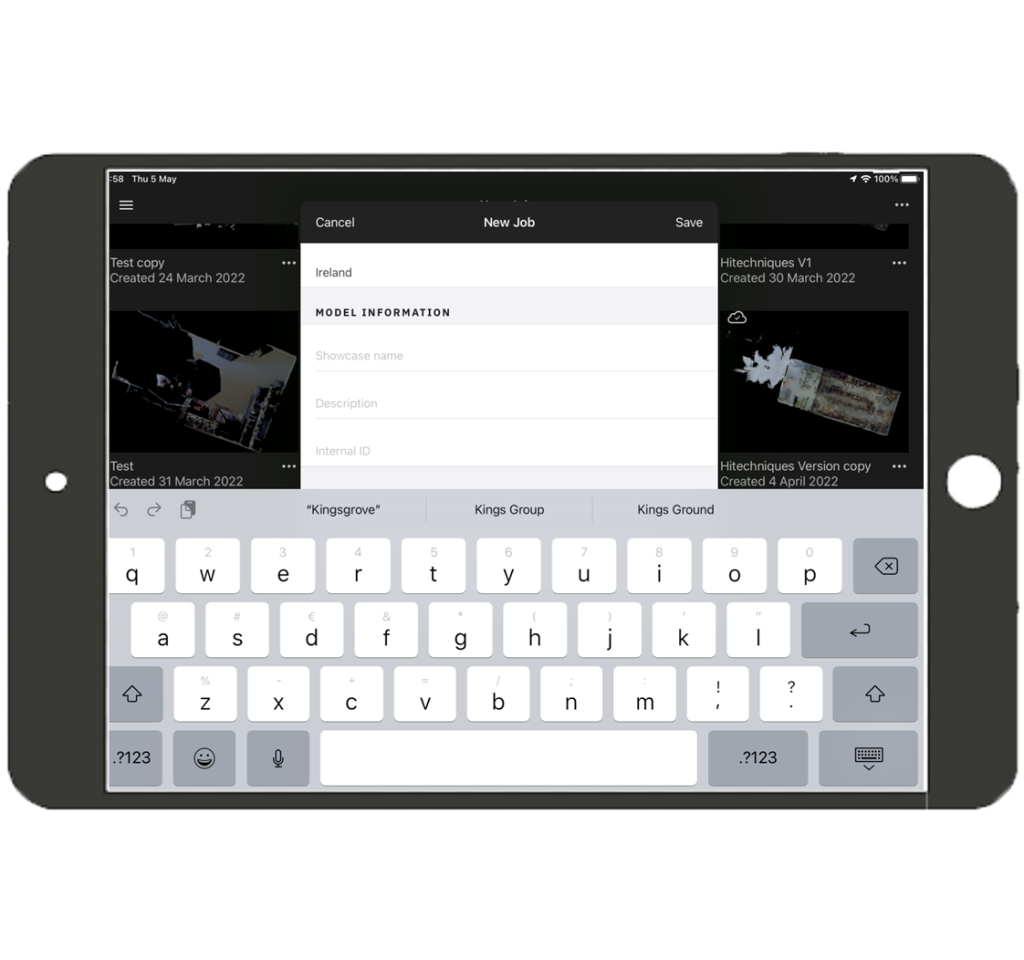
Click the + symbol, in the bottom right
The top section is for the model location
The address may auto-populate
Scroll down to the second text area ‘Model Information’
Enter the model title (can be changed later)
Description and Internal ID are optional and can be added at any time
Note: on your iPad
Jobs are the unprocessed models
Spaces are the uploaded completed models
On your desktop
Jobs are not available
Spaces are the uploaded completed models