
Tag: pro3
-
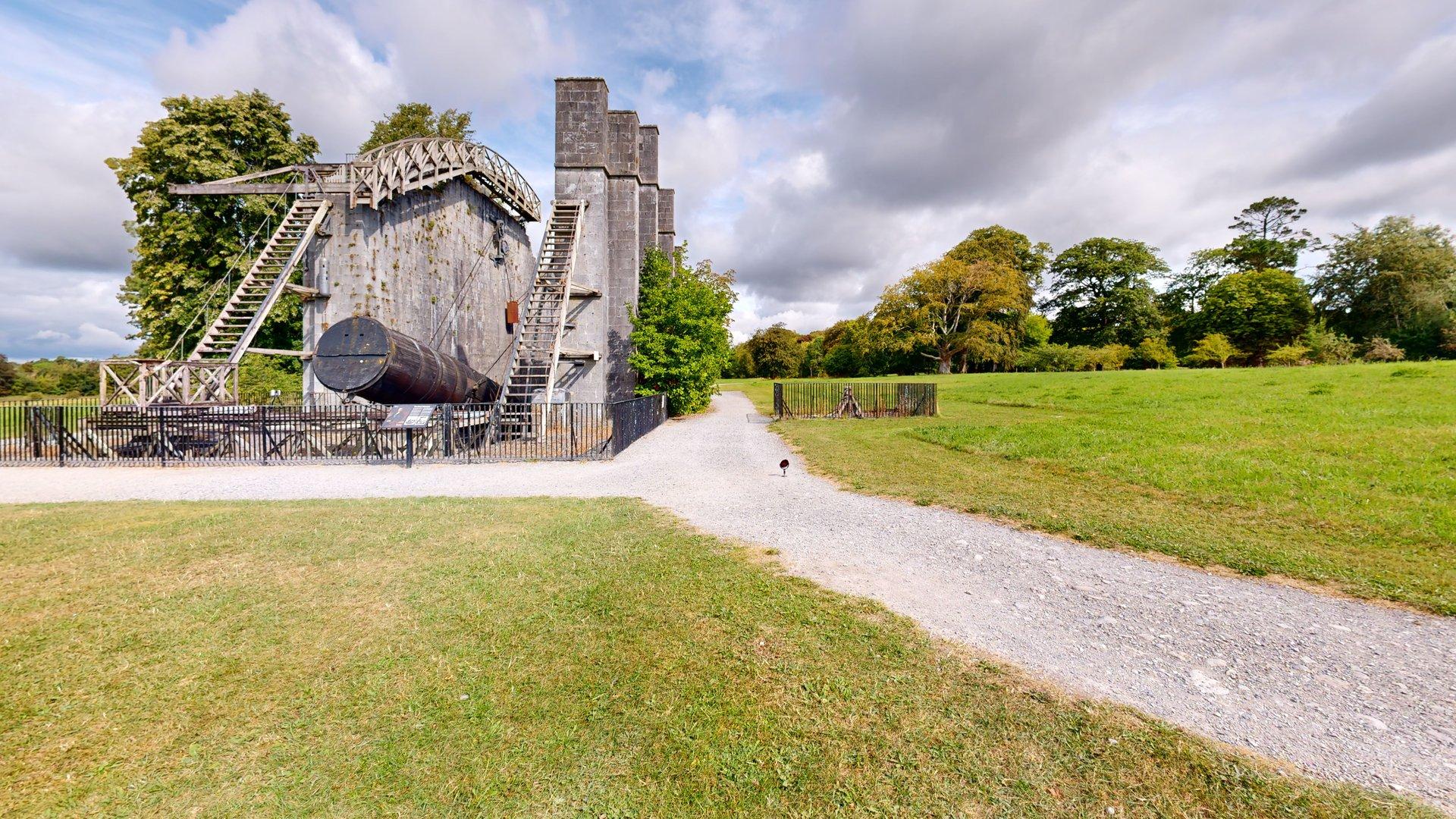
There are few better places to introduce a new piece of measurement technology than alongside one of Ireland’s greatest historic feats of scientific engineering. CaptureTrain recently delivered on-site Matterport Pro3 capture training for the team from Kilkelly Geo-Spatial Solutions (KGSS) at the extraordinary Leviathan of Parsonstown in the grounds of Birr Castle, Co. Offaly. KGSS…
-
The Pro 3 has GPS, but the accuracy is only in the ‘Postcode’ range, in the UK sense. The GPS is not sufficiently accurate to geo-locate the model. An address including Eircode can be entered manually into the model information. The visibility of the address can be adjusted.
-
Connect Your Pro 3 Camera Having fully charged the battery put it into the base of the camera. Hold in the button on the back of the camera for 10 seconds. Go to Settings on the iPad. Choose Wi-Fi. It may be connected to your office/home Wi-Fi. Switch off Wi-Fi. Switch Wi-Fi on again. Wait…
-
Connect to Pro 3 to iPad Open Matterport App Settings – bottom left of iPad Firmware – update
-
Log iPad into to your buildings Wi-Fi: iPad – General – Software Update Check and update if required Matterport Capture App Go to App Store Choose your icon/image top right Scroll to Matterport App Update if required
-
Before you start capture: Download the Matterport Capture App Update iPad software Update Camera Firmware Purchase Matterport Subscription Minimum Professional Switch on camera Use Wi-Fi to connect the iPad to the camera Open Capture App Add model
-
Understanding Standard and Large Spaces Overview Matterport subscriptions allocate a number of Active Spaces rather than simply limiting the number of models. Most everyday projects are classed as Standard Spaces, but larger surveys containing higher numbers of scan points become Large Spaces, consuming additional Active Spaces within your subscription. Understanding how this works is essential…
-
Pro 3 interchangeable battery c.2.5 – 3 hours Change and recharge at 30/40% capacity Battery can go from 20% to zero in a couple of scans Personal Kit 4x batteries 2x chargers
-
We favour the iPad Pro over Android tablets because of its graphic processing ability Adequate performance: For capturing smaller models E.G. 3-bed semis 11-inch iPad Pro Wi-Fi version GB RAM – 256 GB Storage Better Performance: For capturing larger models and scanning at High Density 16GB RAM – 1 or 2 TB Storage Options: 12.9-inch…