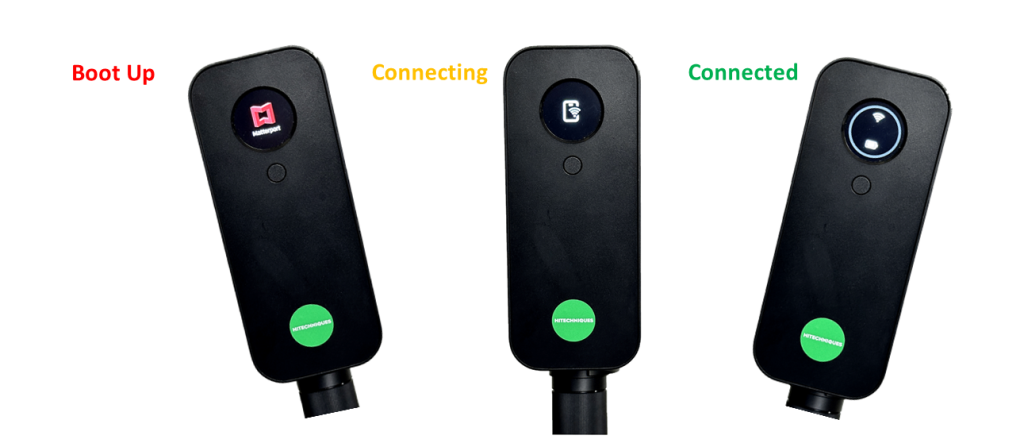
Connect Your Pro 3 Camera
Having fully charged the battery put it into the base of the camera.
Hold in the button on the back of the camera for 10 seconds.
Go to Settings on the iPad.
Choose Wi-Fi.
It may be connected to your office/home Wi-Fi.
Switch off Wi-Fi.
Switch Wi-Fi on again.
Wait 30 seconds or more.
Your Matterport camera should appear as an option.
Choose Matterport.