
Category: Matterport Training
-
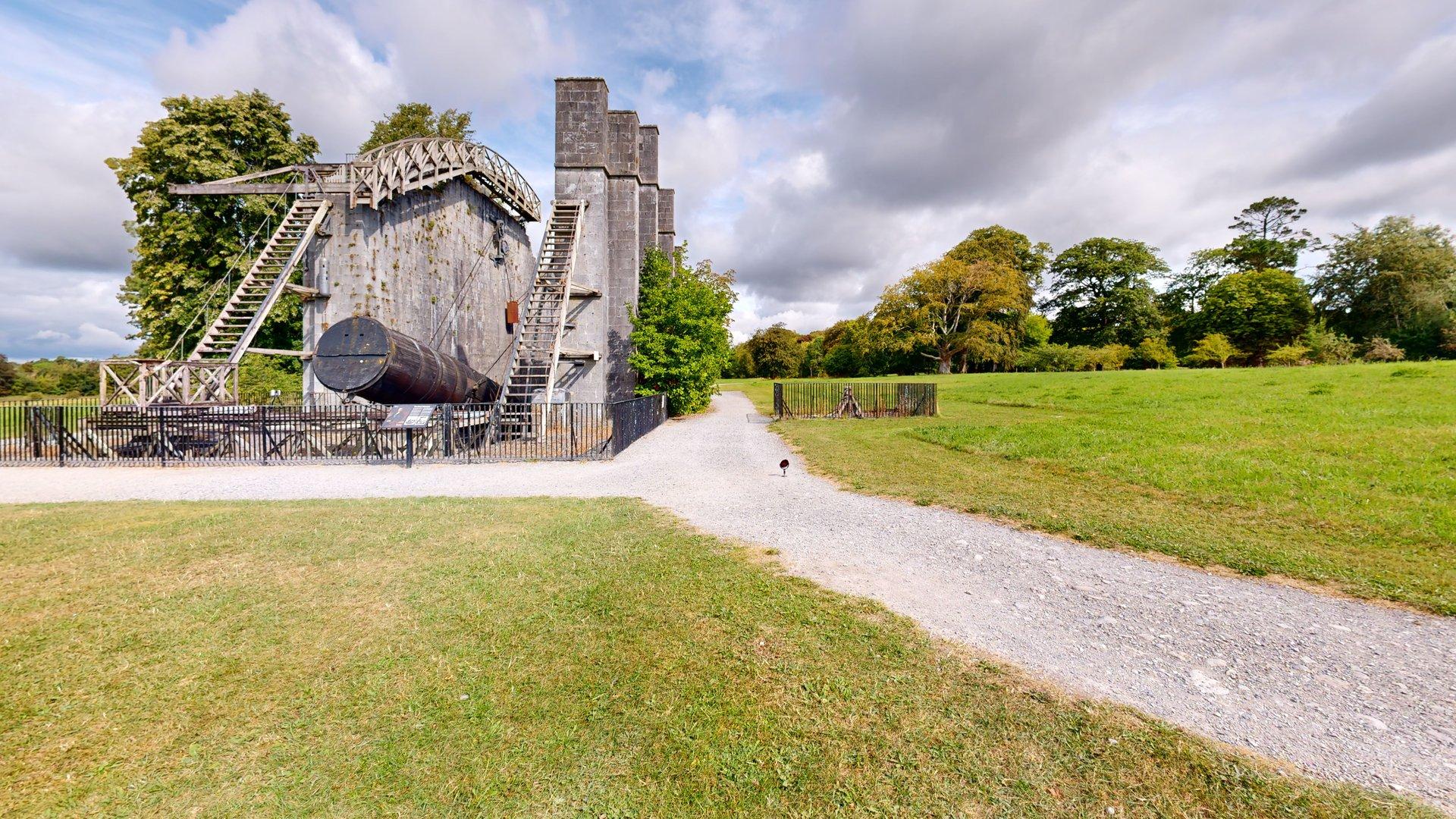
There are few better places to introduce a new piece of measurement technology than alongside one of Ireland’s greatest historic feats of scientific engineering. CaptureTrain recently delivered on-site Matterport Pro3 capture training for the team from Kilkelly Geo-Spatial Solutions (KGSS) at the extraordinary Leviathan of Parsonstown in the grounds of Birr Castle, Co. Offaly. KGSS…
-

Matterport Workshop – Understanding the Postproduction Environment Matterport Workshop is the postproduction environment used to review, edit and prepare a Matterport digital twin after it has been uploaded and processed. An important distinction for anyone coming from a traditional surveying, CAD or point-cloud background is that Workshop is not a standalone software package that is…
-

Camera reflections are a small detail, but they can have a big impact on immersion. When someone is walking through a space, especially a home, anything that reminds them they’re looking at a scan instead of being there can pull them out of the experience. Remove Camera from Reflections runs automatically during model processing after…
-
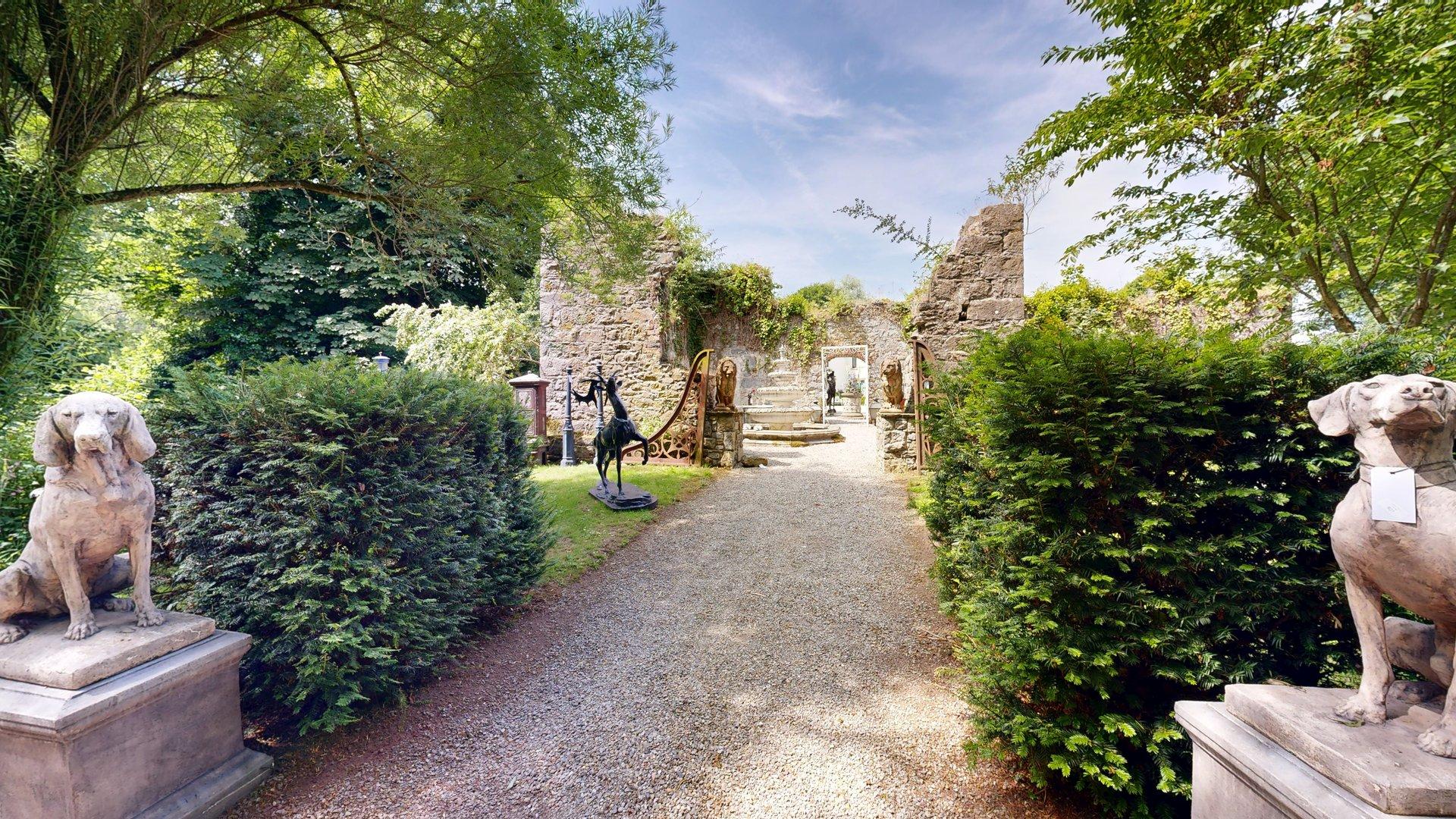
Your Completed Tour Is the Starting Point A Matterport virtual tour can do considerably more than allow visitors to look around a building. With appropriate editing, it can become an interactive marketing resource that introduces the premises, guides visitors towards its most important features and connects them with the information required to make an enquiry.…
-
Many Matterport users discover trims only after they encounter slow processing, messy Dollhouse Views or unexpected point cloud results The 2D Trim Tool in Capture for iPad helps define what should and should not remain inside your final model. Used properly, trims can: One area that often surprises users is the effect trims can have…
-

Overview Matterport enables estate agents and property professionals to create both immersive virtual tours and high-quality HDR photographs from a single survey. This significantly reduces site time, eliminates the need for separate photography sessions and ensures complete consistency between the virtual tour and the marketing images. Adding a Matterport Virtual Tour to Daft.ie Daft.ie supports…
-
CaptureTrain contributes to sustainability through both the operational impact of using Matterport technology and the digital-first design of its continuously updated online training manual. These contributions can be considered across environmental, economic, and social sustainability dimensions. ⸻ 1.1 Reduced Travel and Carbon Emissions The use of Matterport 3D digital twins significantly reduces the need for…
-
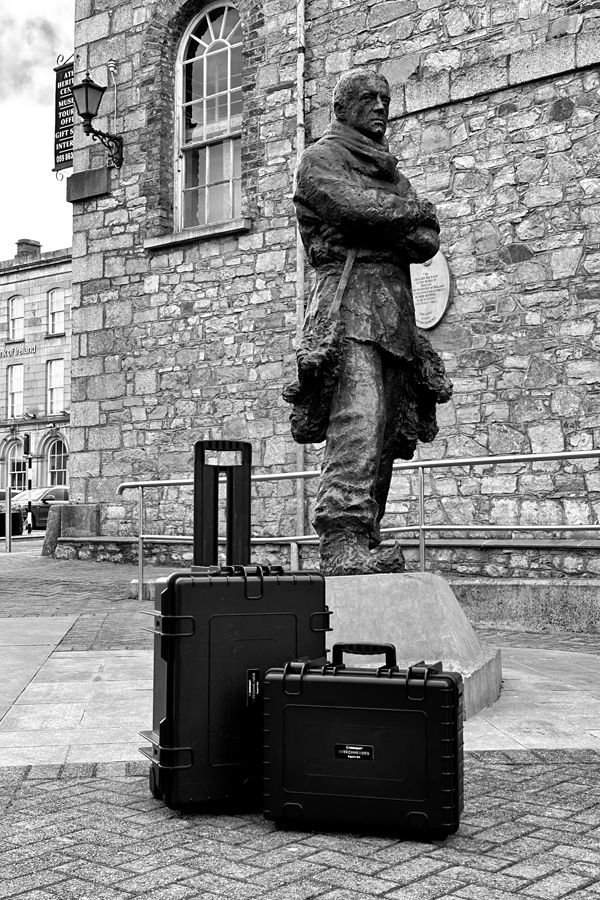
A Practical Guide For some Matterport Pro3 users, projects don’t always happen just down the road. Whether you’re scanning property abroad, documenting construction projects across Europe, or capturing commercial spaces further afield, it’s essential to understand the rules and best practices for travelling with your Pro3 camera and accessories. Airline regulations around lithium-ion batteries are…
-
Can be used for speedy weekly site progress reports*. Camera can be used upside down*. Automatically rotates image to right way up*. Minimum focus distance 0.4m* – recommended 0.5m* Use in challenging locations ‘Waterproof’ IPX8 to 5m.* Mix with Pro3 to create a specific model*. Note – eliminates ability to download point cloud etc. Use…