
“Alignment error” / “No alignment. Scan again, closer to previous scans.”
Ensure nobody is at the side of the camera
Scan again closer to previous scan
Check doors and objects have not been moved
Mark windows and mirrors
If none of the above resolve the issue
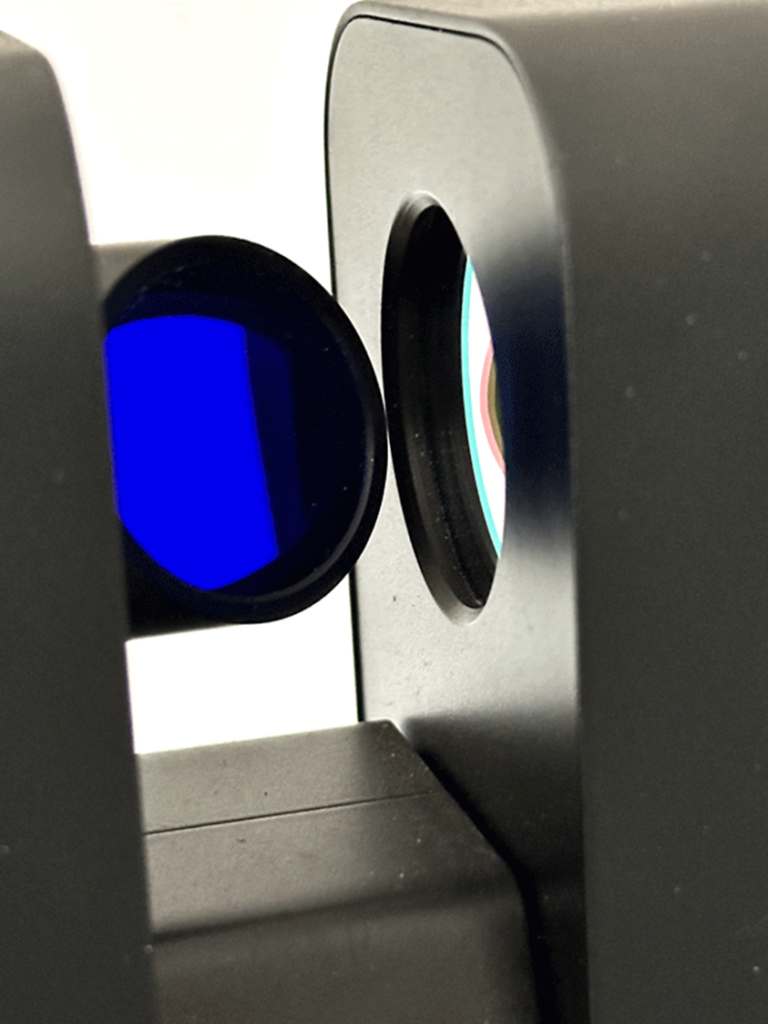
Clean the mirror and the lens covering the LiDAR unit
Link to Matterport Error Messages Page
Zeiss Lens Wipes
Personal favourite for cleaning lenses of all kinds

Leave a Reply